Retro Games
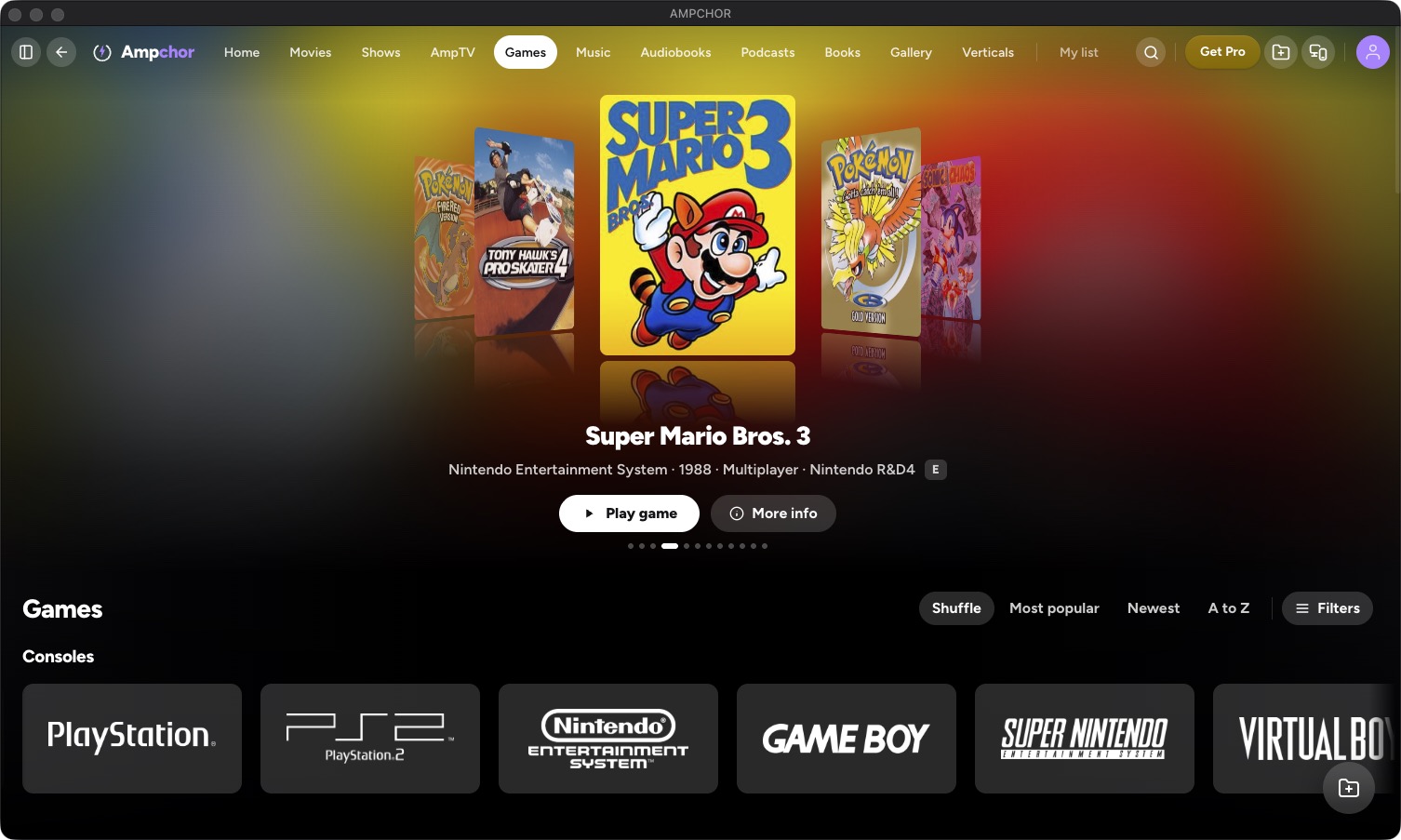
Your game collection, with cover art, playable on any screen.
- Each game recognized and given cover art
- 21 classic consoles, from NES to Dreamcast
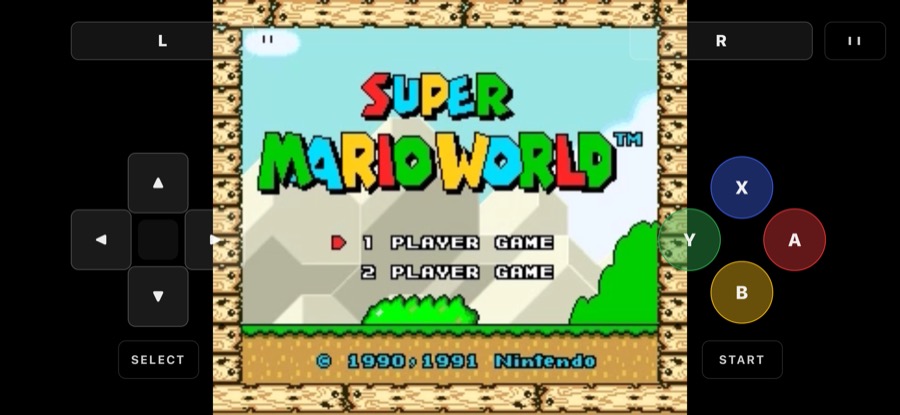
- Play on your phone with a controller
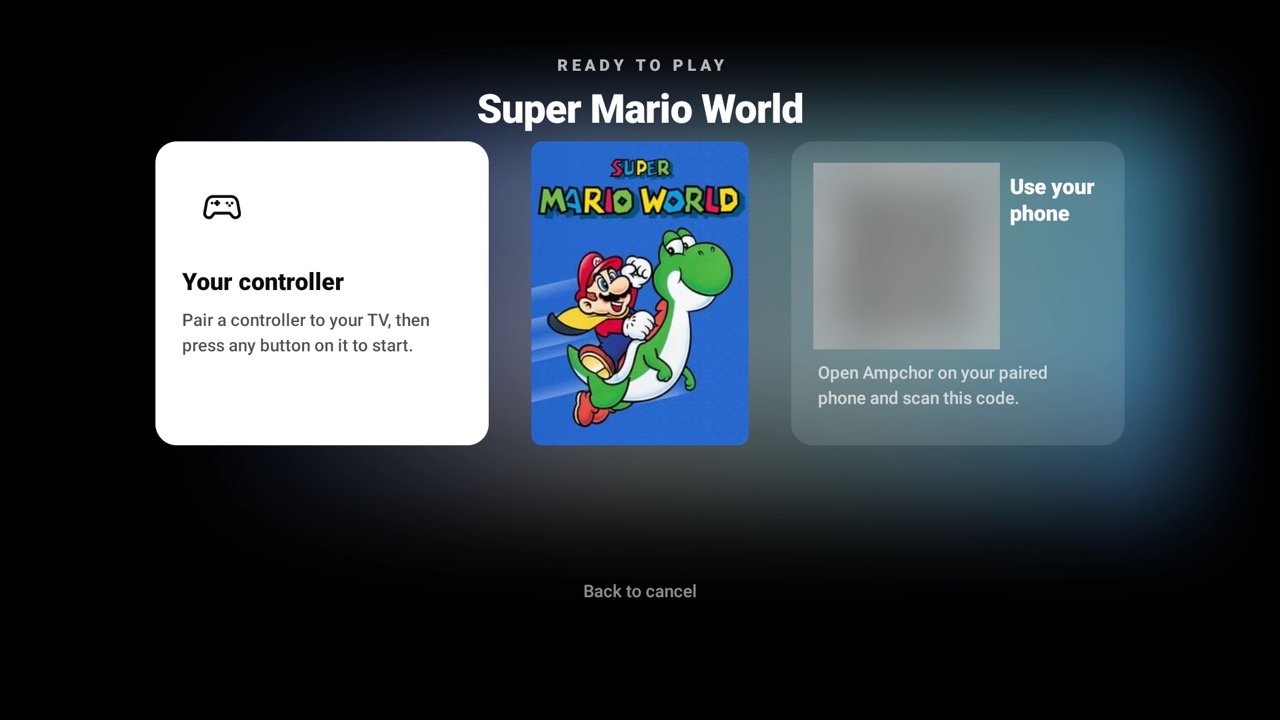
- Play on your TV too, in beta
- Newer systems organized, not playable yet
Get Ampchor Free at home.
On your TV
What it plays
Plays 21 classic consoles, and organizes newer systems like PS2, PSP, GameCube, Wii, Switch and Xbox with cover art.
- Nintendo Entertainment System (NES)
- Super Nintendo (SNES)
- Game Boy
- Game Boy Color
- Game Boy Advance
- Nintendo DS
- Nintendo 64
- Virtual Boy
- Sony PlayStation (PS1)
- Sega Genesis / Mega Drive
- Sega Master System
- Sega Game Gear
- Sega 32X
- Sega Saturn
- Sega Dreamcast
- MS-DOS
- Atari 2600
- Atari Lynx
- SNK Neo Geo
- PC Engine / TurboGrafx-16
- Bandai WonderSwan
With Ampchor Pro, play your retro library on your phone from anywhere.
See Ampchor ProMore libraries
MoviesPosters, artwork and details, found for you. TV Shows & AnimeSeasons and episodes, sorted for you. AmpTVYour own films, shows and music videos as TV channels. MusicAlbums, artists and lossless playback. AudiobooksChapters, bookmarks and adjustable speed. PodcastsYour own episodes, kept in seasons, with your place remembered. BooksYour books, comics and manga, together in one library. GalleryYour camera roll’s forever home. VerticalsYour saved short videos, in a swipe feed.