Music
Your albums and artists, lossless, on every device.
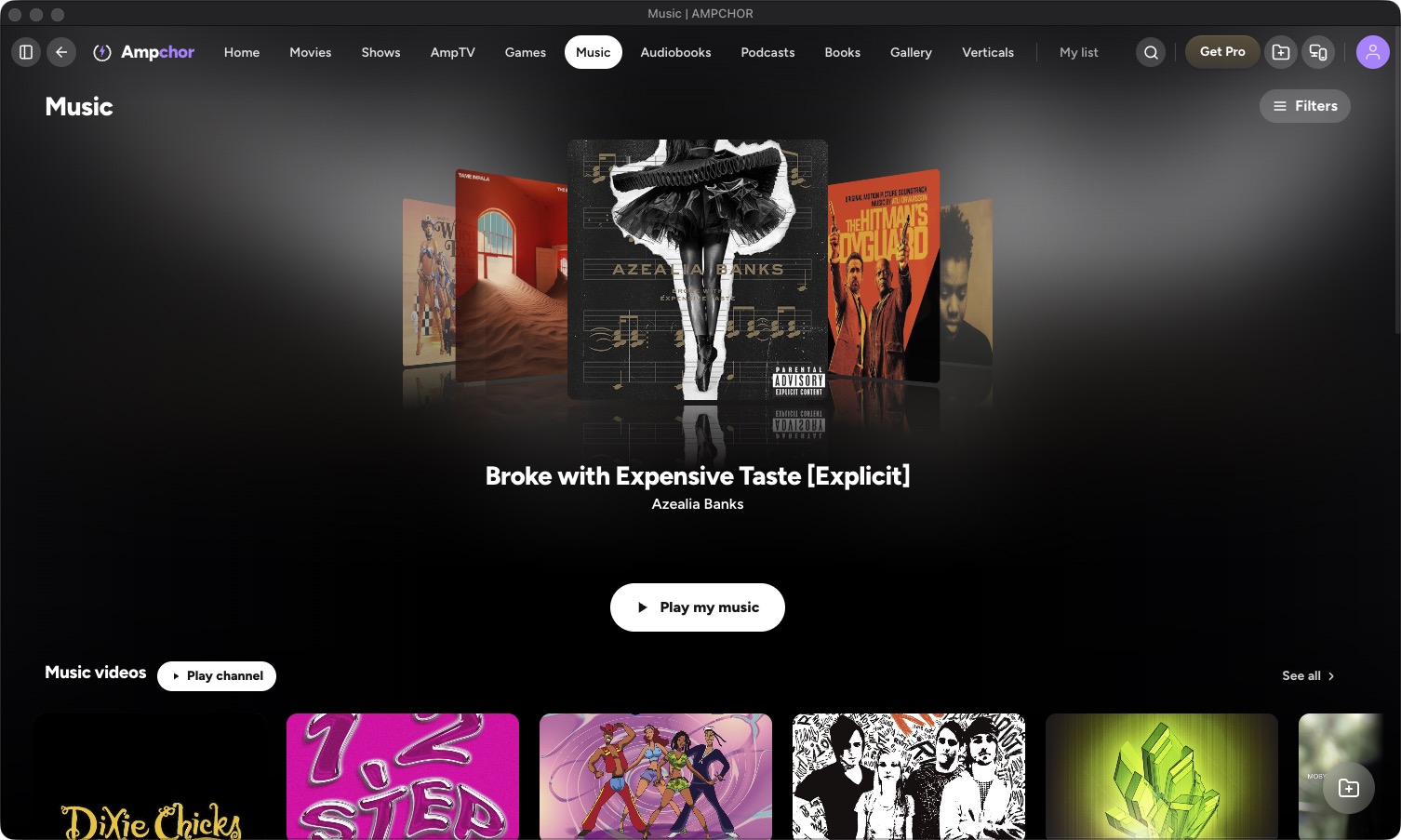
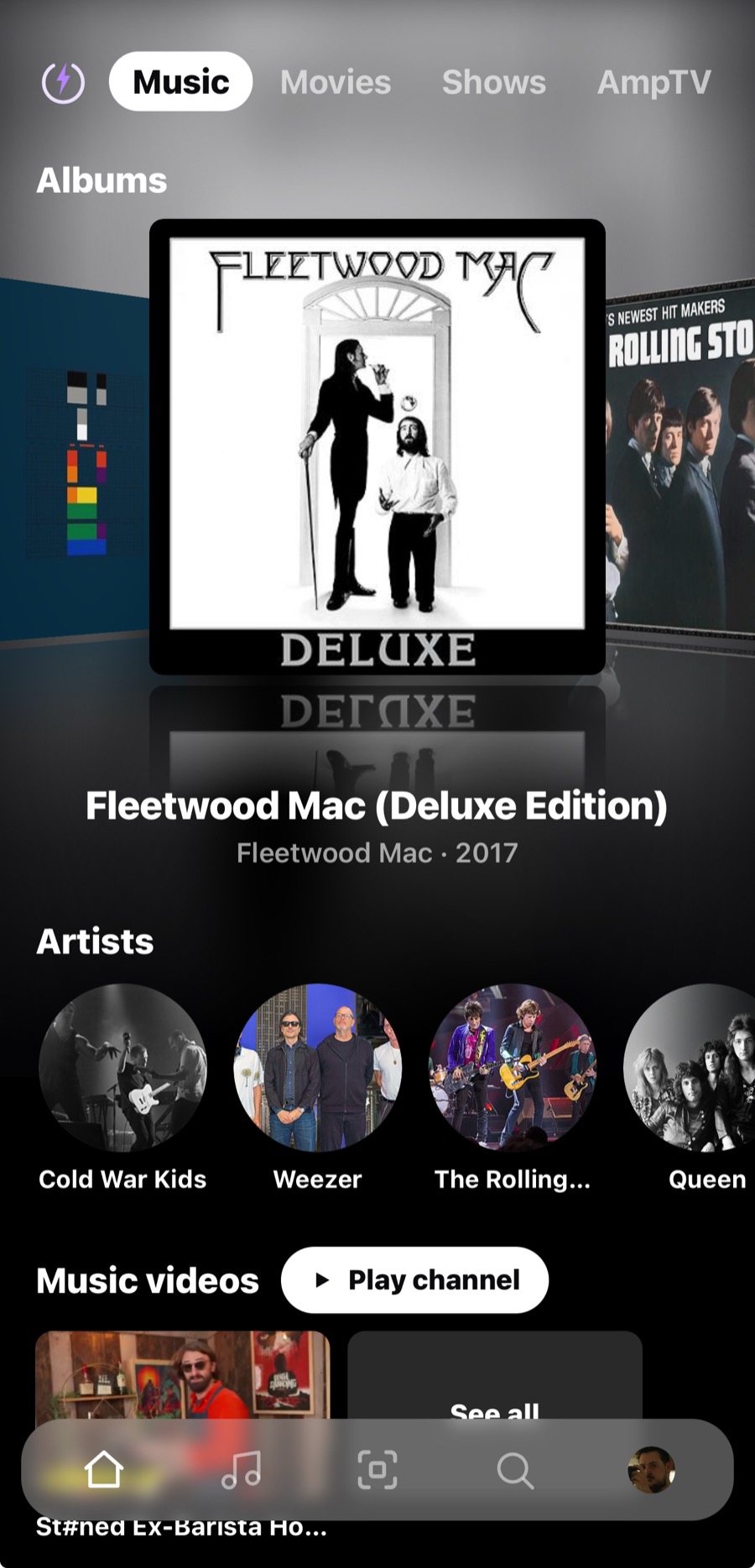
- Albums and artists with cover art
- Lossless FLAC, ALAC and WAV
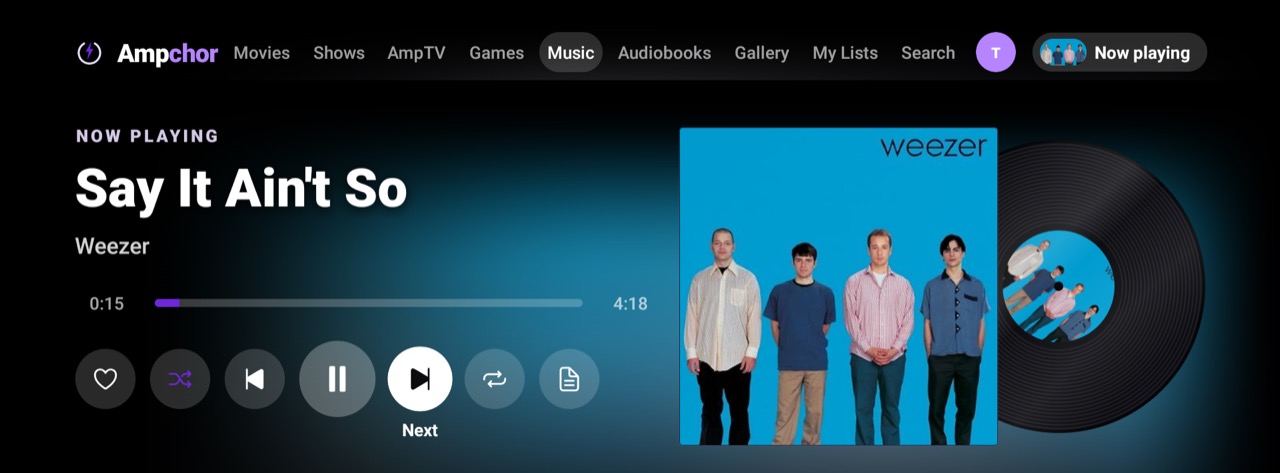
- Live lyrics as the song plays
- Rip a CD into FLAC or ALAC on a Mac
- On your phone, tablet and TV
Get Ampchor Free at home.
On your TV
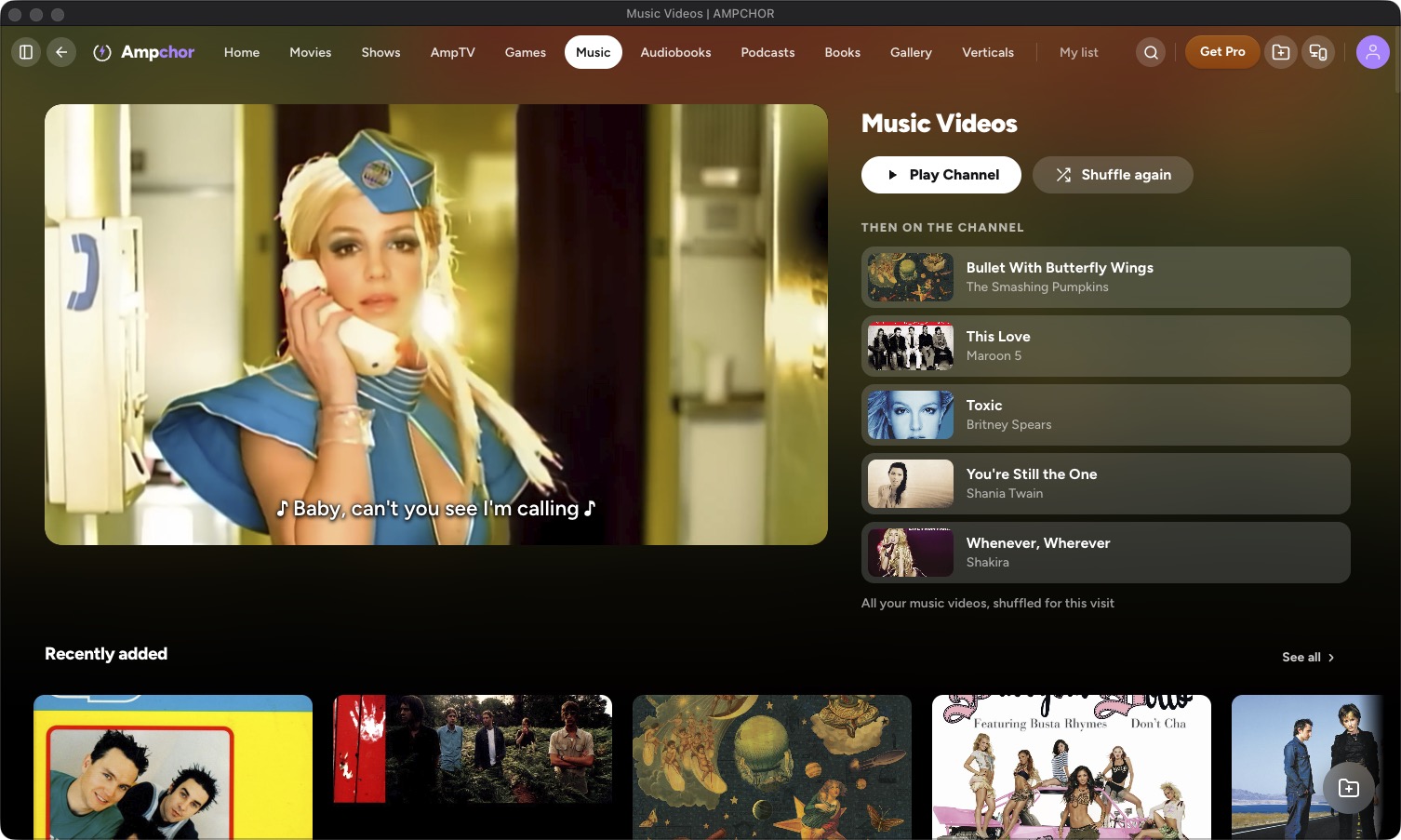
Music videos
- Matched to their artist and album
- A channel that plays them back to back
- The same 30+ video formats as movies
What it plays
Lossless FLAC, ALAC and WAV, and 26 formats in all.
- FLAC (lossless)
- ALAC (lossless)
- WAV (lossless)
- AIFF
- MP3
- AAC
- M4A
- OGG Vorbis
- Opus
- WMA
- DSD (DSF / DFF)
- APE
- WavPack (WV)
- Musepack (MPC)
- TTA
- TAK
- Shorten (SHN)
- AC3
- DTS
- E-AC3
- MP2
- CAF
- AMR
- Speex
- W64
- MKA
With Ampchor Pro your whole collection streams to your phone and TV away from home.
See Ampchor ProMore libraries
MoviesPosters, artwork and details, found for you. TV Shows & AnimeSeasons and episodes, sorted for you. AmpTVYour own films, shows and music videos as TV channels. Retro GamesPlay right inside Ampchor, on any screen. AudiobooksChapters, bookmarks and adjustable speed. PodcastsYour own episodes, kept in seasons, with your place remembered. BooksYour books, comics and manga, together in one library. GalleryYour camera roll’s forever home. VerticalsYour saved short videos, in a swipe feed.